
The Zero-Headache Hybrid Work IT Playbook
How to configure laptops, remote access, home-office Wi-Fi, and endpoint security so distributed staff stay fast and protected.
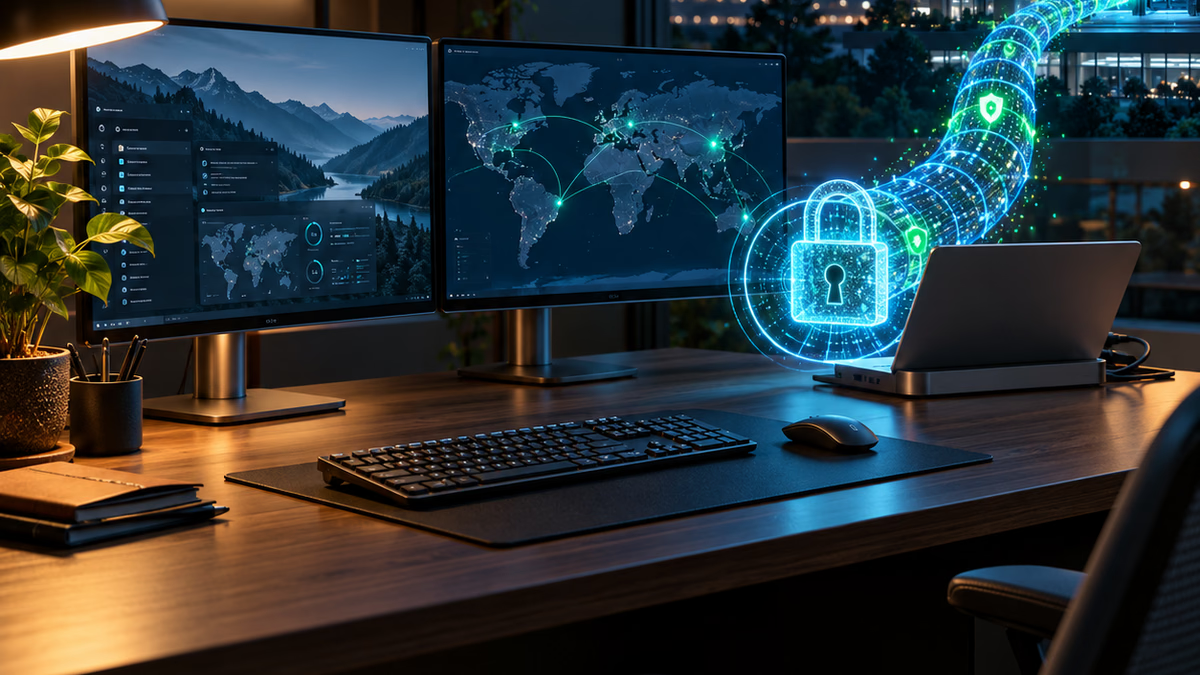
When companies first embraced remote and hybrid work, most solved it with emergency band-aids: employees bought consumer laptops, shared sensitive files through personal Dropbox accounts, and dialed into slow, unstable office VPN tunnels.
Years later, many growing teams are still wrestling with that makeshift architecture.
A modern hybrid workforce does not require complex corporate bureaucracy. It requires a clean standard that makes laptops secure by default and easy to troubleshoot from anywhere.
1. Cloud-Managed Endpoints Over Local Domain Trusts
Binding employee laptops to a physical office server (Active Directory domain controller) creates immediate headaches the moment people travel or work from home for months:
- Password resets fail when laptops lose contact with local servers.
- Group Policy updates stall silently.
- IT staff cannot push security patches without forcing users onto slow VPN connections.
Transitioning to cloud-native mobile device management (such as Microsoft Intune) allows your business to configure, monitor, and wipe company devices over any internet connection without needing an on-premise connection.
2. Ditch the Full-Tunnel VPN for Identity-Aware Access
Traditional VPNs route all of an employee’s internet traffic—including Zoom calls and Spotify streams—through your office router. This creates network congestion, slows internet speeds, and frustrates staff.
Even worse, if a home computer is infected with malware, an open VPN tunnel gives that malware direct network access to your internal office file shares.
Modern architectures use zero-trust and identity-aware proxies:
- SaaS tools authenticate directly via single sign-on (SSO) with MFA and device compliance checks.
- Internal applications are accessed through secure application proxies or reverse tunnels that grant access only to specific tools—not the entire corporate subnet.
3. Remote Onboarding and Zero-Touch Provisioning
The days of an IT person manually unboxing every new laptop, typing out usernames, and installing software by hand are over.
With zero-touch deployment:
- New hardware ships directly from the vendor (Apple or Dell/Lenovo) to the employee’s home address.
- The employee turns on the machine, connects to their home Wi-Fi, and signs in with their company email and password.
- Enrollment profiles automatically install required productivity apps, security certificates, disk encryption (BitLocker / FileVault), and endpoint detection software.
The new hire is productive in 30 minutes, and leadership knows every device adheres to corporate compliance standards.
4. The Home-Office Diagnostics Protocol
When remote workers complain that “the company system is down,” the bottleneck is frequently their home environment:
- Outdated ISP-provided router combo units located in a distant basement.
- Massive latency caused by dual Wi-Fi repeaters.
- Unmonitored consumer IoT devices hogging upload bandwidth.
Provide remote staff with standard troubleshooting guidance and, where appropriate, business-class mesh access points or reimbursement for dedicated broadband.
Sustainable Flexibility
Hybrid work shouldn’t mean constant IT emergencies. By standardizing endpoint management and shifting to identity-driven access, your team gets seamless performance anywhere in the world while your company data remains completely secure.
Topics covered
Keep the plan connected
Need a clear read on your security risk or a cloud move done right?
Our technology work covers cybersecurity risk assessments and Azure-focused cloud migration, sized for small and growing businesses.
Technology posts often connect security, cloud, support, and operations, so related topics can help clarify the right first step.
Keep exploring
Continue through the insights archive
These related articles connect adjacent issues across AI, automation, operations, and growth.

Cloud Migration Realities: Moving to Azure Without Business Interruption
How small and mid-market organizations migrate servers, identities, and databases to the cloud while maintaining uptime and predictable costs.

The Pragmatic Small Business Cybersecurity Checklist
Five essential security practices that protect your company without enterprise budgets, endless complexity, or disruption to daily operations.

Managed IT vs DIY IT: When Small Teams Should Stop Guessing
A practical guide for deciding when business tech support, security, backups, and device management need a managed IT partner.